Bottom Slider
It works only with Smart Launcher 1.12 or higher, only on phones! To enable it follow these steps:
Open Smart Launcher → Preferences → Lockscreen, then select the new lockscreen and choose "select as lockscreen";
- Now press the standby button 2 time, the new lockscreen should be active.
Features:
Security PIN;
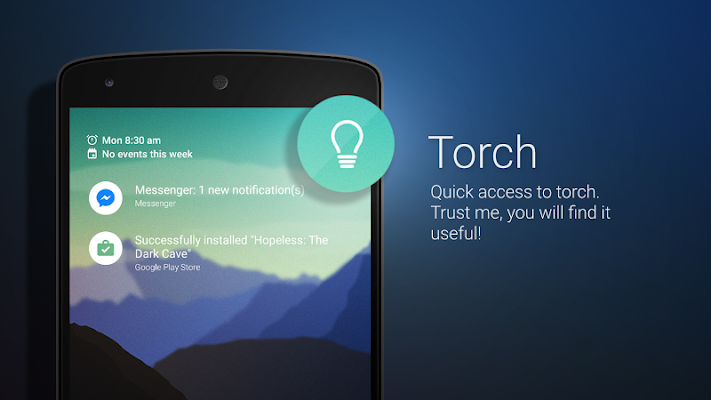
Torch;
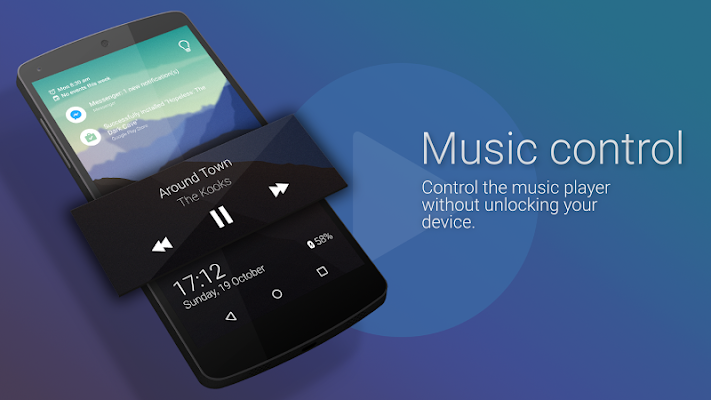
Music control;
Customizable background;
Rotation;
Notifications on screen;
Double tap to turn off the screen.
What's new
new feature: Wake up on new notification
new feature: Hardware volume key are now disabled
new feature: Support for auto rotate screen orientation
improvement: high quality icons for the notifications
improvement: full compatible with Android 5.1
Required Android O/S : 2.2+